/
Generating an Agent token
Generating an Agent token
- Jason Wides
- Eamonn O'Kane (Unlicensed)
- Marc Amouyal
Owned by Jason Wides
In order to use the various Sealights Agents, you need to first generate a token. This is done through you user account in the SeaLights server.
- Log in to the SeaLights Server
Go to Settings page by pressing the relevant icon in top right corner of your screen
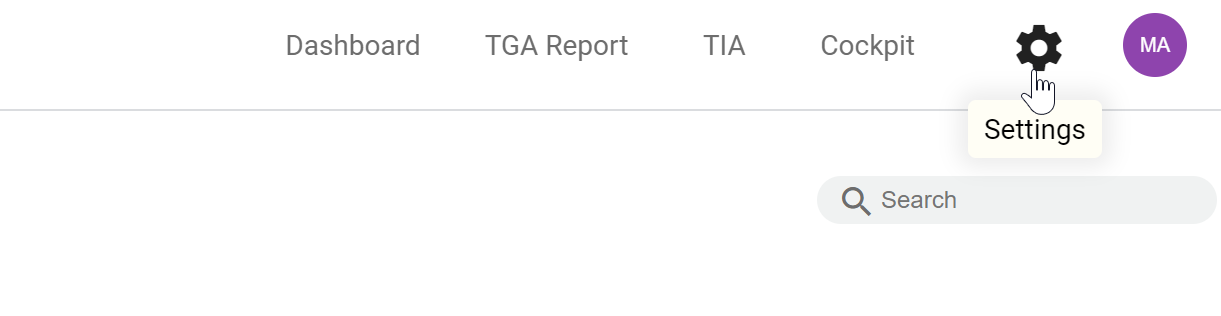
- From the left menu, under Cockpit & Onboarding > Agent Tokens, press '
 Create New Token'
- Provide a Token name and press Save

Press 'Download' button for the newly created token, a file called sltoken.txt will be downloaded.
Copy it to the location you want to use it.
Alternatively you could press 'Copy' button and paste the token through the clipboard into the file and location you want.
Related content
Installing our agents - Typical Setup
Installing our agents - Typical Setup
Read with this
Generating an API token
Generating an API token
More like this
Legacy .NET agent - Scanning the build binaries
Legacy .NET agent - Scanning the build binaries
Read with this
Generating a Browser token
Generating a Browser token
More like this
Downloading the .NET Core agent
Downloading the .NET Core agent
Read with this
Downloading the Go agent
Downloading the Go agent
More like this